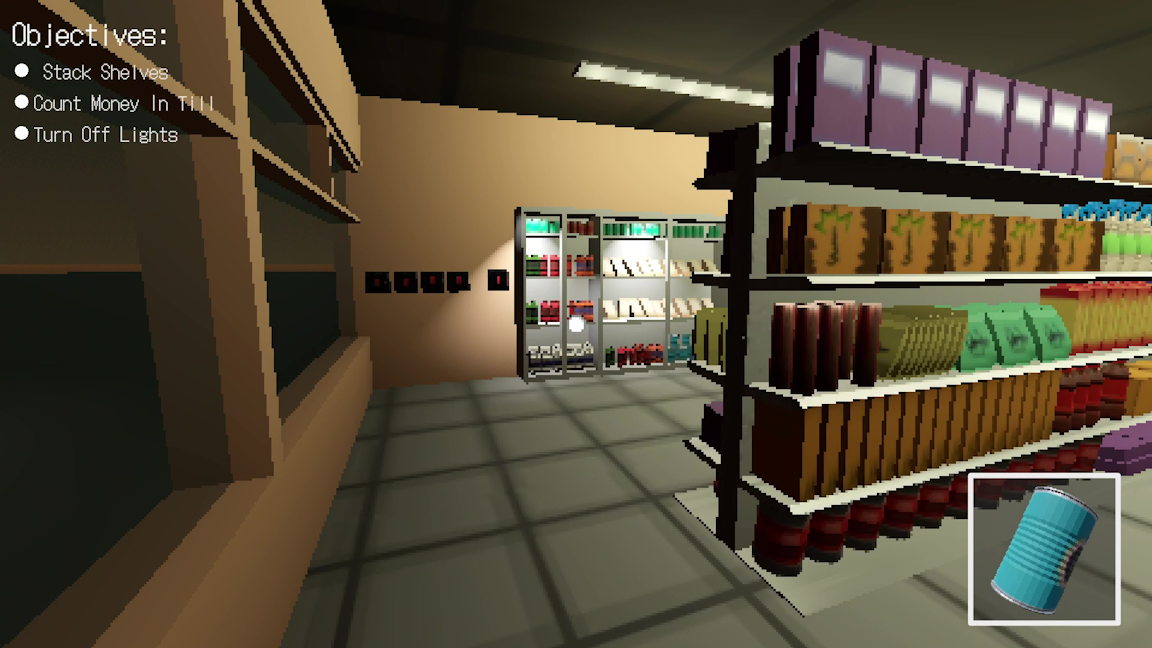
Mousechitect
A Sandbox City Builder with a charming whisker theme. Harvest milk to produce a variety of cheeses and grow your economy and tiny civilization.
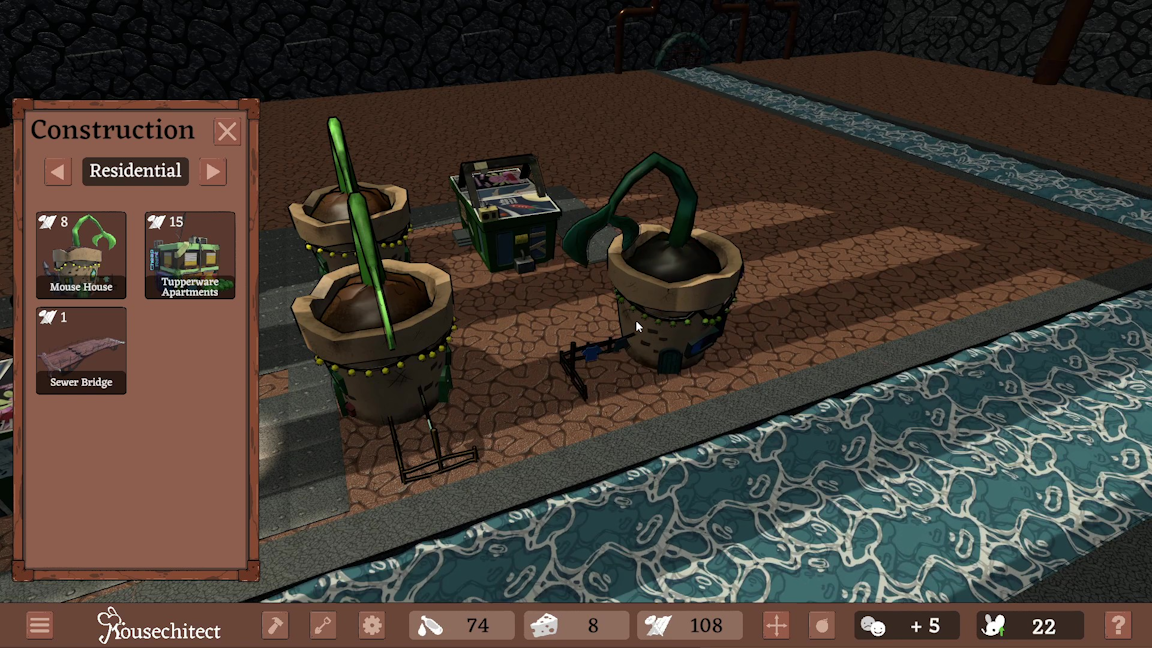
What is Mousechitect?
Mousechitect is a sandbox city builder with a charming aesthetic. Build houses out of scrap – your primary currency – before building an industry to produce and sell a variety of cheeses that will fuel your economy! As the mouse mayor, you must also take care of your residents, keeping morale high and the population healthy. Sacrifice some profits to research upgrades that further improve your city's prosperity.
The User Interface
One of the core features I owned throughout the development of Mousechitect was the User Interface. From start to finish, I was responsible for both designing and implementing the systems and functionality of the UI. This began with concept sketches and blockouts in Figma, experimenting with different layout designs, visual designs and colour schemes. After conducting research on existing games within the CMS genre, I concluded that I wanted to keep the UI as adaptive as possible – keeping on-screen information minimal and always to what is most relevent. I took inspiration from Frontier's Planet franchise and their use of panels connected together through a taskbar as it provided an intuitive way of including large amounts of information and functionality without overwhelming the player or absorbing too much screen real estate.At this point into development, the visual style of the game was still being experimented with, and this led to my User Interface design silutaneously assisting with defining that style. Using a rapid prototyping method in Figma, I played around with multiple layout options and colour schemes; From floating grey buttons similar to many mobile interfaces, to a brown taskbar design mimicking the design language of an operating system.
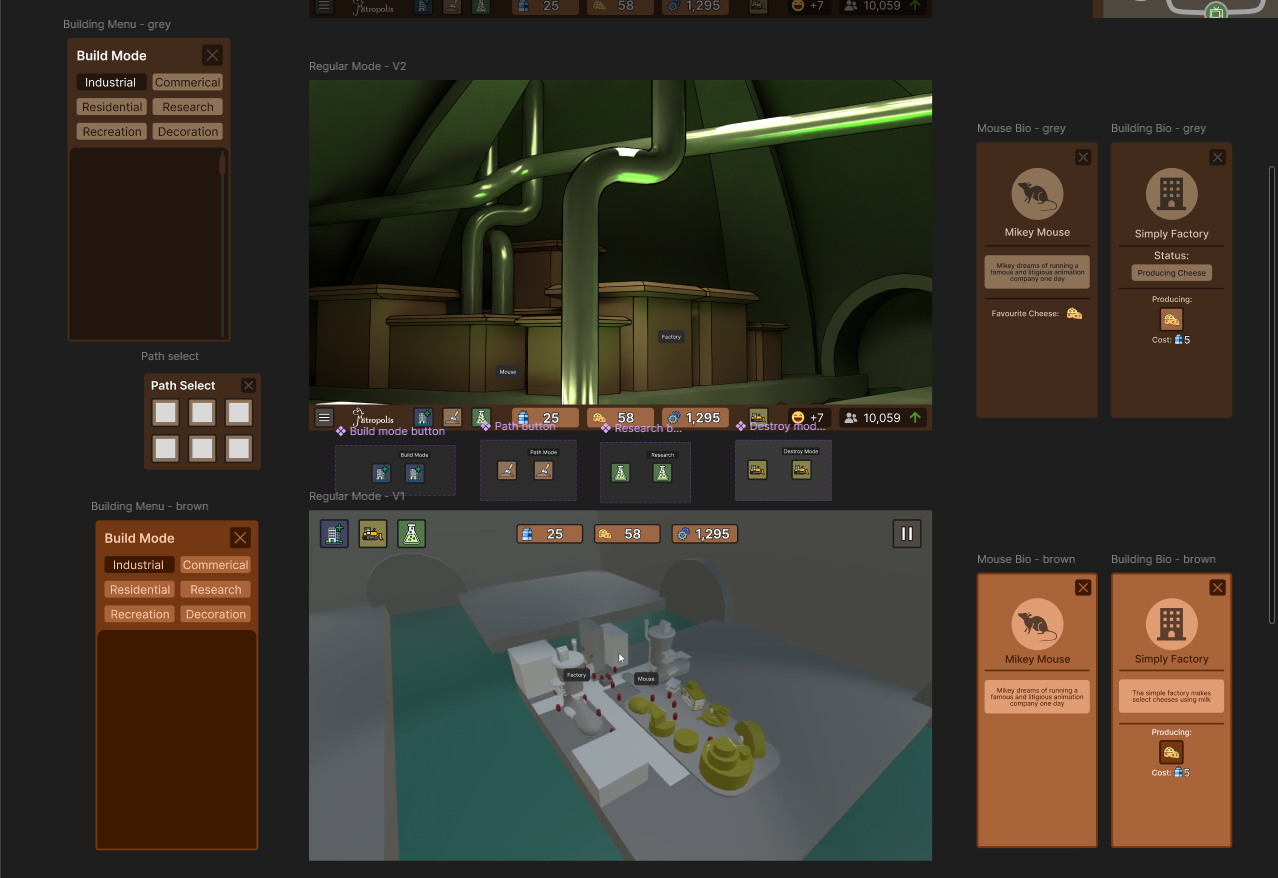
Different layout configuation concepts in Figma
After the foundations were established and approved by the team, I transitioned into Unity to begin implementing the User Interface myself. Initially, my focus was on technical functionality, and early versions used many placeholder items while our 2D artists worked on the relevant assets. Internally, I established the 'New User Interface (NUI)' to identify my systems independently from a developer oriented UI that already existed in early versions of the project.The New User Interface is designed and built as a modular system. It uses two primary scripts: 'NUI Manager' to handle the internal functionality of the UI, and ‘NUI Connector’ to handle communication with other systems. This decouples the NUI itself from the underlying frameworks it calls upon and allows the other programmers to work on their systems without having to open it up. Additionally, the NUI’s technical design allows new ‘panels’ to be added and removed easily, meaning the system can be adapted to any scope and any scenario without significant hardship. This came in handy during the project development when the ‘info’ panel had to be added in a more impromptu fashion.
The full timeline of the UI's development can be seen in the below video:
Technical Design and Documentation
Across the games' design, I was responsible for the Economy, Camera & Game Modes, User Interface & Experience, Buildings & Structures and Core Gameplay Loop. During the pre-production stage, design quickly fell behind schedule, with the documentation already accumulating technical debt that made it difficult to navigate and understand. Taking the initiative, I rebuilt the entire documentation into the format of a wiki; seperating categories into individual pages and creating a clear numerical heading structure that could be navigated through a master document holding a table of contents.
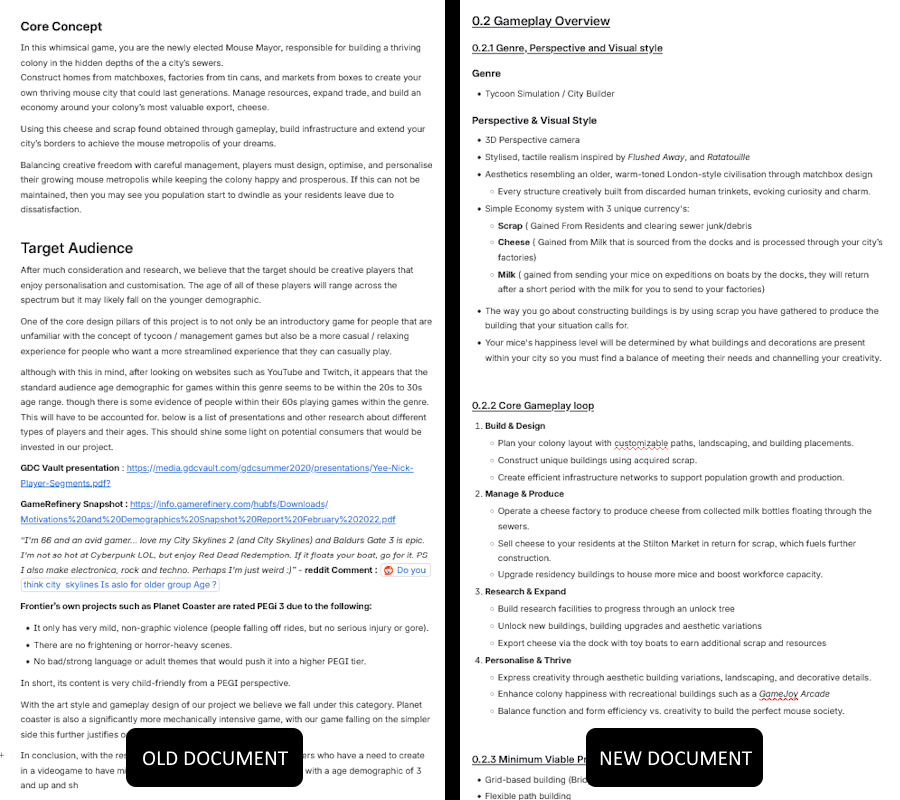
Comparison of structure in each set of documentation
The original documentations' language was very strung-out and desciptive, leading to a bloat of irrelevant information that resulted in the documentation overall lacking any technical depth or insight. I took personal resposibility of the many areas of the documentation listed above and rewrote them with improved clarity, technical depth and systematic design. Miscommunication happens when the answer to a question is missing in the documentation, even if a simple one. I made sure to explain every piece of the gameplay and technical experience in a clear and concise manner to get the information across as effectively as possible. The programmers responded well to this improved documentation, finding considerable value in its directiveness and technical design.
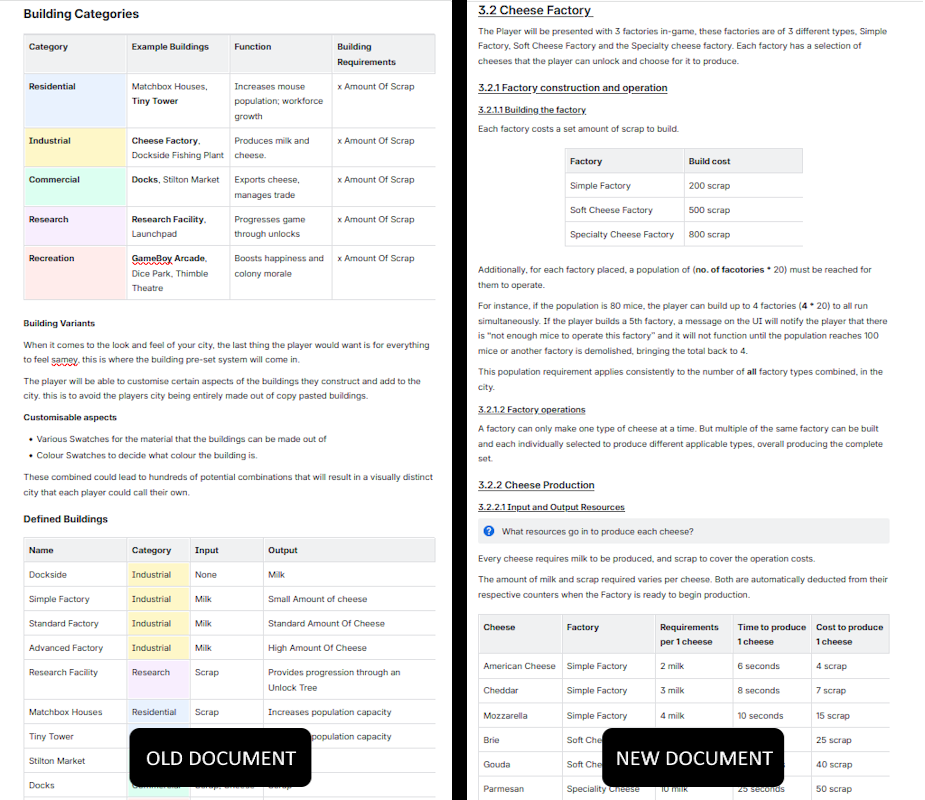
Comparison of language in each set of documentation
Below is a selective compilation of the Games Design Documentation containing all the areas that I contributed towards throughout development.